August 18, 2025
Everything broke on day four
CORS misconfigured. Docker incompatible. 65 YAML files corrupted. The system that worked at 11 AM was completely dead by 3 PM.
The error
"Failed to fetch containers."
That was the whole message. The Docker integration that worked perfectly the day before, the one I had demoed to myself at 11 AM showing 252 applications, was dead. Blank UI. No containers. No apps. Nothing.
If you have debugged a system you barely understand, you know the feeling. The car stops and you don't know if it's the battery, the alternator, the fuel pump, or a squirrel in the engine bay. Something is wrong and you have no idea where to start. Every minute you spend looking in the wrong place is a minute gone.
Three bugs, one symptom
It took four hours to untangle. The answer was three separate bugs that all surfaced as the same error.
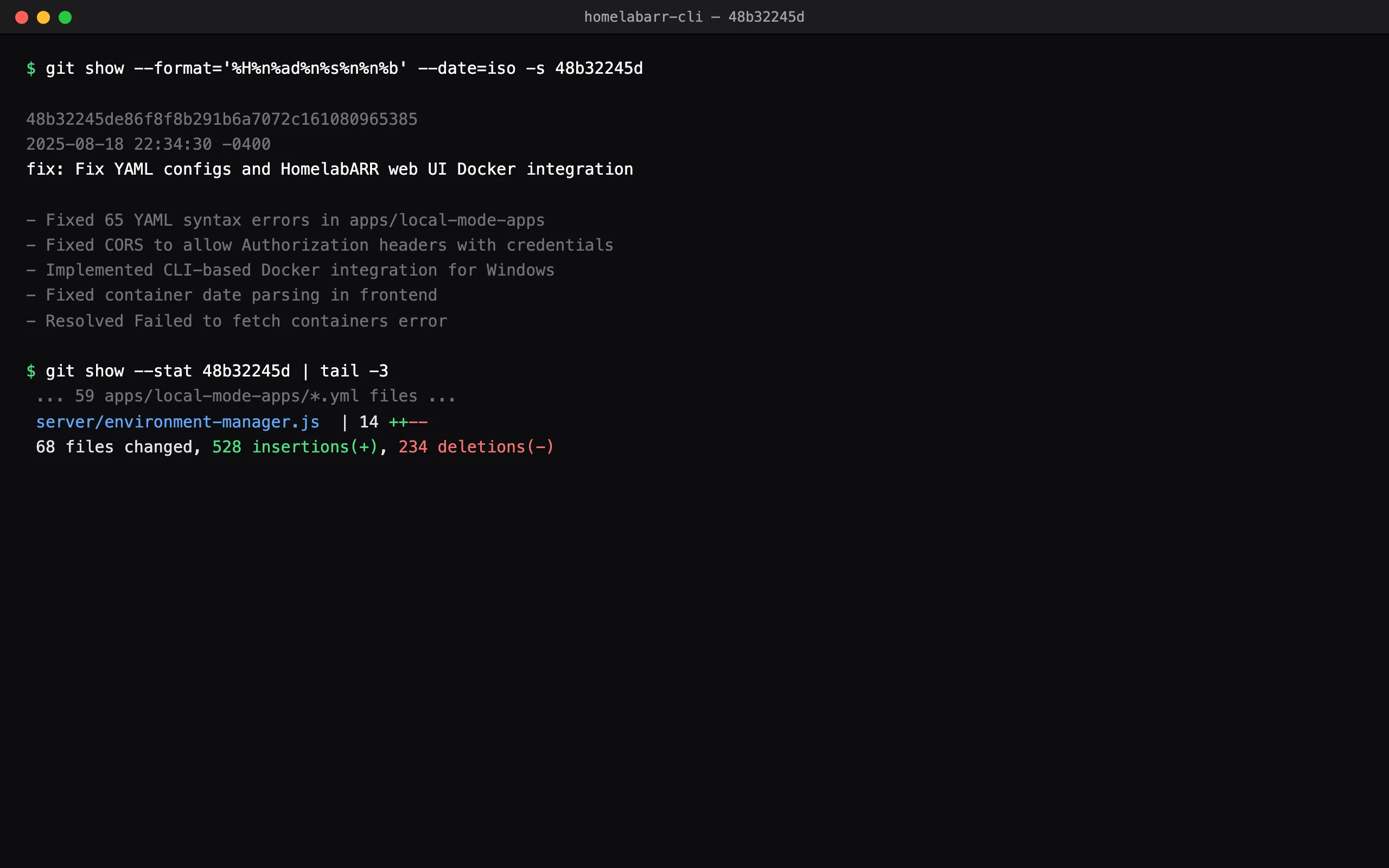
Bug one: CORS. The backend was set up with credentials: false and a wildcard origin. That combination silently blocks Authorization headers. The frontend was sending JWT tokens, the browser was stripping them, and the backend rejected every request. The fix was two lines in server/environment-manager.js: set the origin explicitly to http://localhost:5173 and flip credentials to true.
Bug two: Docker on Windows. Dockerode had stopped working with Windows Docker Desktop. The named-pipe connection that was already fragile the day before was completely broken. I ripped the Dockerode integration out and went back to the CLI-based approach from the MVP. Sometimes the ugly solution is the only one that runs.
Bug three: timestamps. The frontend was multiplying container creation timestamps by 1000 to convert Unix seconds into JavaScript milliseconds. But the backend was already returning ISO strings, not Unix timestamps. So every date rendered as NaN, the container list component crashed during render, and from the user's seat that looked like "failed to fetch."
Three systems failing in three unrelated ways, all printing one error.
The YAML wasteland
While I was in there, I found that 65 of my YAML template files had syntax errors. Duplicate port definitions, broken indentation, missing colons. These were the Docker Compose templates that defined how each application deploys, and almost half of them were malformed.
I fixed them by hand, one at a time. YAML does not forgive whitespace, and the linters I tried did not catch everything, because some files were syntactically valid but semantically wrong: ports mapped twice, environment variables overwriting each other.
What I learned
Day four taught me something I should have known from years of managing Scrum teams. The error message is almost never the problem. "Failed to fetch containers" was not a container problem. It was a CORS problem, a platform compatibility problem, and a date parsing problem, wearing the same shirt.
In project management we call this root cause analysis. I had written dozens of RCAs in my career, always for other people's code. Now I was writing one for my own. It is a different experience when the person who introduced the bug and the person who has to fix it are the same person.
I wrote this one up in Confluence in the proper format: timeline, root cause, impact, resolution, prevention. Nobody asked me to. But six months from now I would need to remember why CORS was configured the way it was, and I knew my future self would not.