November 3, 2025
The NAS operating system that does everything Unraid does
Unraid costs $49 to $249 and bundles storage, Docker, and VMs behind a custom GUI. Eight.ly OS does the same four jobs on stock Linux, and I can point at the code for each one.
The Unraid tax
Let me start by saying Unraid is a good product. I ran it for three years on my primary NAS. The parity system works for mixed-size drives, the Community Applications ecosystem is deep, and the web UI is clean enough that it stays out of your way.
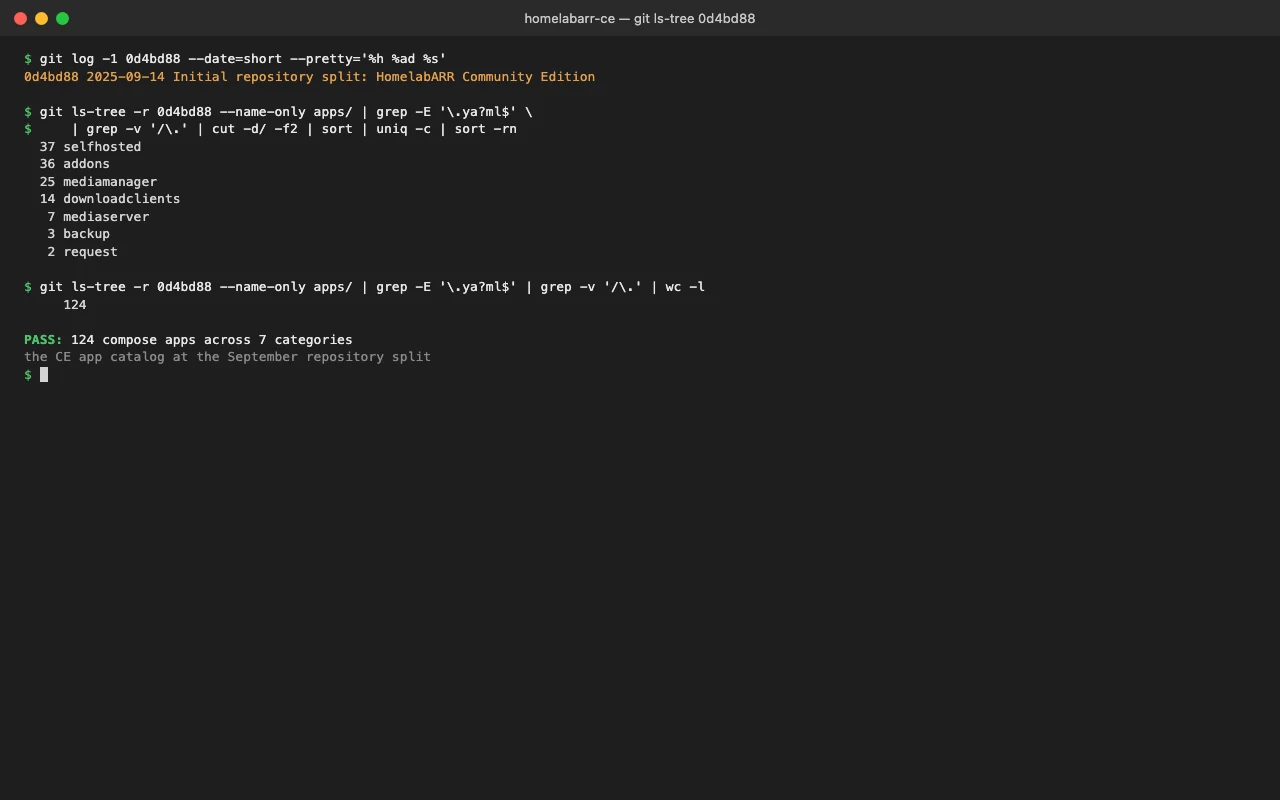
What stood out to me is the bill. Unraid is $49 for Starter, $109 for Unleashed, $249 for Lifetime. Underneath, it's Linux, Docker, FUSE, and KVM, all open source. You're paying for the integration layer that ties them together on a custom Slackware base, plus the USB boot key that base ships on.
That integration layer is worth something. But when I built Eight.ly OS I wanted to find out exactly how much of it was load-bearing, so I rebuilt the same four jobs on stock Linux and kept the receipts that fill the rest of this post.
What Unraid actually does
Strip the marketing and Unraid does four things:
- Pools drives with parity protection.
- Runs Docker containers from a web UI.
- Runs VMs via KVM/QEMU.
- Extends itself through Community Applications.
Everything else (file sharing, user management, network config) is standard Linux dressed in their GUI. So the question for Eight.ly OS was narrow: can a single Go binary plus a React frontend do those four jobs against the same underlying tools, without the license and without the boot key? Here is each one with the code that does it.
Storage: SnapRAID and MergerFS, no license key
Unraid's headline feature is parity over mixed-size drives. Eight.ly OS gets the same result from SnapRAID and MergerFS, the same open-source tools you could wire up by hand, except the OS detects and reports them for you instead of asking you to parse config files.
There is no fake data in that panel. The MergerFS pools come from reading /proc/mounts for fuse.mergerfs filesystems and running a real df on each mount. The SnapRAID status counts actual data and parity lines out of /etc/snapraid.conf:
// internal/storage/detection.go  (EOS-299)
// parseSnapRAIDConfig counts real data and parity disks from /etc/snapraid.conf.
func parseSnapRAIDConfig() snapRAIDStatus {
	st := snapRAIDStatus{Protection: "none"}
	f, err := os.Open("/etc/snapraid.conf")
	if err != nil {
		return st
	}
	defer f.Close()

	st.Configured = true
	scanner := bufio.NewScanner(f)
	for scanner.Scan() {
		line := strings.TrimSpace(scanner.Text())
		switch {
		case strings.HasPrefix(line, "data "):
			st.DataDisks++
		case strings.HasPrefix(line, "parity ") || strings.Contains(line, "-parity "):
			st.ParityDisks++
		}
	}

	switch st.ParityDisks {
	case 1:
		st.Protection = "single"
	case 2:
		st.Protection = "double"
	case 3:
		st.Protection = "triple"
	}
	return st
}
A NAS OS that shows plausible-looking storage numbers the box never actually reported is untrustworthy. The panel says what the disks say or it says nothing.
Single parity, double parity, triple parity, sync, scrub: the same model Unraid sells, on Ubuntu or Debian or Proxmox, with no key to buy and none to lose.
Docker: install an app, get a real compose up
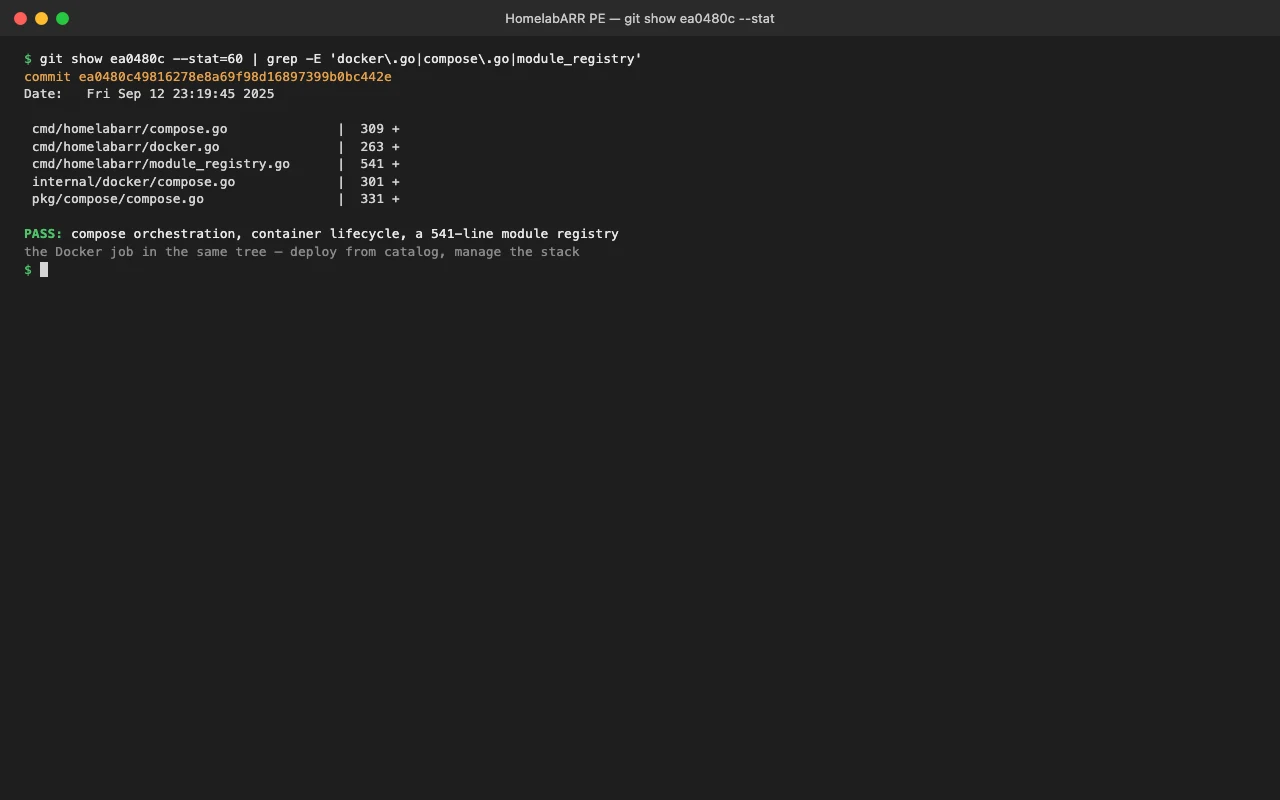
Unraid runs containers from templates through its GUI. So does Eight.ly OS, except the install path is just a Docker Compose file written to disk and brought up with the same command you'd type yourself:
// pkg/api/apps/deployment.go
composeFile := filepath.Join(os.TempDir(), fmt.Sprintf("docker-compose-%s.yml", appName))
if err := os.WriteFile(composeFile, []byte(processed), 0644); err != nil {
	return fmt.Errorf("failed to write compose file: %v", err)
}

cmd := exec.Command("docker", "compose", "-f", composeFile, "up", "-d")
output, err := cmd.CombinedOutput()
if err != nil {
	return fmt.Errorf("docker compose failed: %v - %s", err, string(output))
}
The processed string is the template after the install wizard rewrites ports, restart policy, and env, and injects GPU passthrough when the host has a GPU. Nothing magic underneath: it's docker compose up -d, and if it fails you get the real stderr back instead of a spinner that never resolves.
Here I owe Unraid an honest point. Community Applications has more templates than I do, by a wide margin. If breadth of one-click apps is your single deciding factor, Unraid wins that line. My bet is the other direction: most homelabs run fifteen to twenty containers, and I'd rather have that set work cleanly than have ten thousand entries where half want you to figure out the env vars yourself.
VMs: this is where the HomelabARR story used to fall down
The earlier version of this argument was about HomelabARR, my container manager, and it had to concede the VM point: HomelabARR does containers, not virtual machines, so for VMs you ran Proxmox underneath. That was an honest gap and I'm not going to pretend it wasn't.
Eight.ly OS closes it. VMs run through libvirt directly, using the go-libvirt client rather than shelling out to virsh. Creating a snapshot is a real libvirt call:
// internal/vm/snapshots.go
snapXML := fmt.Sprintf("<domainsnapshot><name>%s</name><description>%s</description></domainsnapshot>",
	body.Name, body.Description)
_, err = l.DomainSnapshotCreateXML(d, snapXML, 0)
if err != nil {
	w.WriteHeader(http.StatusInternalServerError)
	json.NewEncoder(w).Encode(Response{Success: false, Message: "create snapshot: " + err.Error()})
	return
}
That body.Name runs through validateName first, which exists so attacker-controlled strings never reach system tooling. List, create, snapshot, roll back, delete: KVM/QEMU management, same hypervisor Unraid uses, no Proxmox required underneath.
LXC: the thing Unraid doesn't really do
Eight.ly OS also manages system containers through lxc-tools, which is a category Unraid doesn't natively cover. Create is a real lxc-create:
// internal/lxc/handlers.go
_, err := platform.RunCmd(r.Context(), &platform.RunOpts{Timeout: 5 * time.Minute},
	"lxc-create", "-n", body.Name, "-t", "download",
	"--", "-d", body.Template, "-r", body.Release, "-a", body.Arch)
Start, stop, freeze, unfreeze, destroy: all lxc-start, lxc-stop, lxc-freeze, lxc-destroy. Every one is the real tool wrapped in an API and a UI.
File sharing: SMB and NFS as first-class config, not afterthoughts
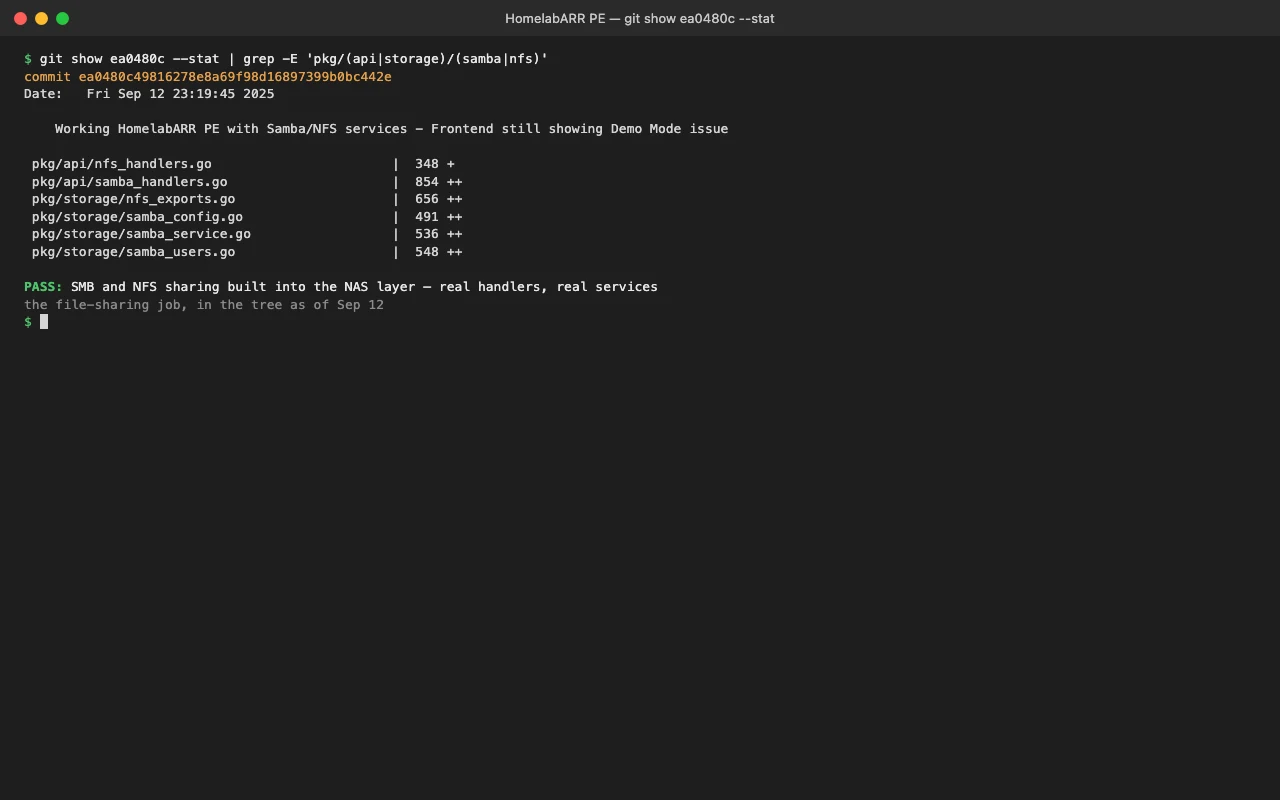
The original argument waved file sharing away as "standard Linux." It is standard Linux, but Eight.ly OS treats it as a managed surface. NFS exports are written and applied with the real exportfs binary:
// pkg/storage/nfs_exports.go  (EOS-360)
func (nem *NFSExportsManager) applyExport(export NFSExport) error {
	options := nem.buildOptionsString(export)
	exportStr := fmt.Sprintf("%s:%s", export.Client, export.Path)

	cmd := exec.CommandContext(ctx, nem.exportfsCmd, "-o", options, exportStr)
	output, err := cmd.CombinedOutput()
	if err != nil {
		return fmt.Errorf("failed to export: %v, output: %s", err, string(output))
	}
	return nil
}
The path and options are sanitized before any of that reaches the shell. SMB goes through Samba's own tools, testparm to validate /etc/samba/smb.conf and pdbedit to manage users, rather than a hand-rolled config writer that drifts from what Samba actually accepts.
The honest scorecard
Cost: Unraid is $49 to $249. Eight.ly OS doesn't charge for the storage and Docker layer.
Lock-in: Unraid runs on its custom base and boots off a USB key. Pass that key through to a VM and lose it, and you're stuck until a replacement arrives. Eight.ly OS is a binary plus a static frontend on stock Linux, so you install it on the distro you already run.
Templates: Unraid wins on raw app count, and I'll own that.
VMs and LXC: Eight.ly OS does both natively through libvirt and lxc-tools. The old HomelabARR pitch couldn't claim the VM half, but this one can, and the code is above.
Who should switch
If you're happy on Unraid and its parity model is the center of your setup, stay. Switching for the sake of switching burns a weekend you won't get back.
But if the license, the USB key, or the inability to run on the Linux box you already own has ever been a constraint, Eight.ly OS does the same four jobs, adds LXC, and I can show you the function for every claim on this page.